About Magic Dust Watch Face
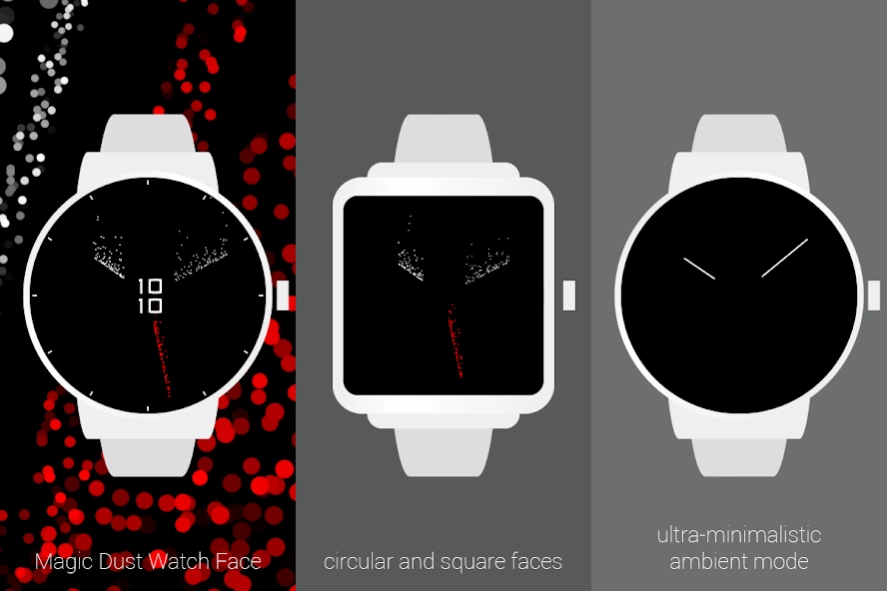
Something new. Extraordinary. Simple and outstanding. Enjoy this ultra-minimalistic watch face with beautiful, dynamic particles. Magic Dust has several individually designed skins for you to choose: - Original skin - an...
Something new. Extraordinary. Simple and outstanding.
Enjoy this ultra-minimalistic watch face with beautiful, dynamic particles.
Magic Dust has several individually designed skins for you to choose:
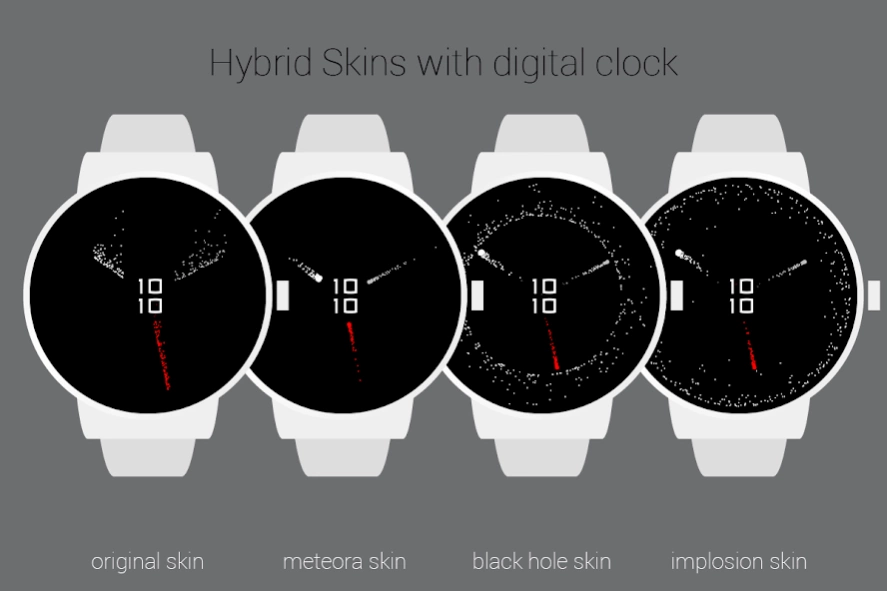
- Original skin - an analog watch with mesmerazing hands that arise and die in an infinite loop,
- Meteora skin - another analog one that will make you feel like in cosmic space, chasing comets,
- Black Hole skin - analog watch with a ring of escaping particles,
- Implosion skin - analog watch with a ring of collapsing particles,
- Ninja skin - a classic digital face with sparkling, simple background. (12 and 24 hour time formats available)
With v1.2 you can choose hybrid skins for analog watches that add little digital clock in the center.
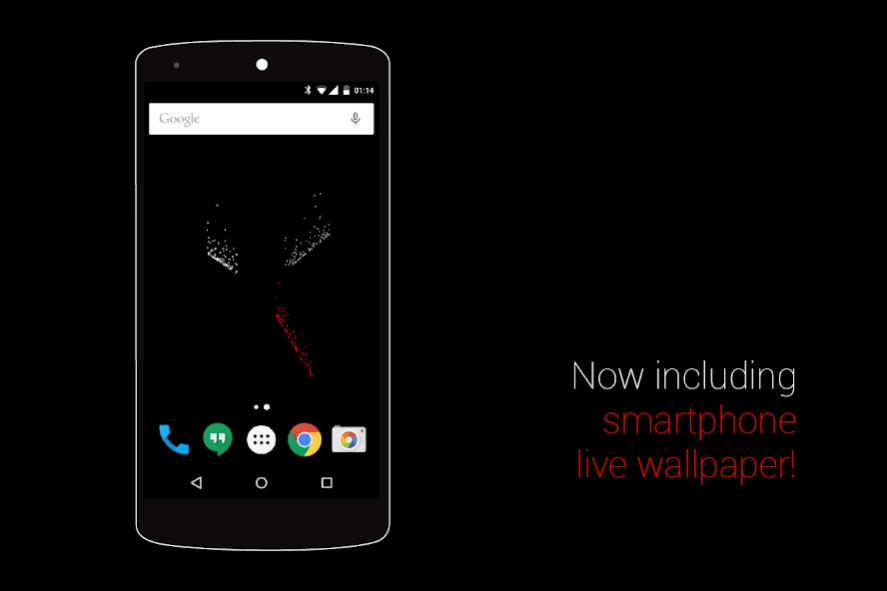
Now you can enjoy dynamic particles not only on your smartwatch, but also on the phone. Introducing: live Magic Dust wallpaper!
Designed for Android Wear.
Supports Android Wear 2.0.
ATEKTURA Watch Faces on Google+
https://plus.google.com/u/0/b/106084399129186124597/106084399129186124597/posts
Previous Versions
Here you can find the changelog of Magic Dust Watch Face since it was posted on our website on 2016-11-06 05:22:56.
The latest version is 1.2 and it was updated on 2024-04-19 19:09:51. See below the changes in each version.
Magic Dust Watch Face version 1.2
Updated At: 2017-03-27
Changes: Support for Android Wear 2.0 (standalone watch face),
New skins:
- Black Hole,
- Implosion,
New hybrid skins - add digital clock to the analog skins,
New time ticks option - one more option to customize your watchface.
Magic Dust Watch Face version 1.1
Updated At: 2015-04-13
Changes: 1.1,- new "Meteora" skin,,- live wallpaper for your smartphone!
Disclaimer
Official Google Play Link
We do not host Magic Dust Watch Face on our servers. We did not scan it for viruses, adware, spyware or other type of malware. This app is hosted by Google and passed their terms and conditions to be listed there. We recommend caution when installing it.
The Google Play link for Magic Dust Watch Face is provided to you by apps112.com without any warranties, representations or guarantees of any kind, so access it at your own risk.
If you have questions regarding this particular app contact the publisher directly. For questions about the functionalities of apps112.com contact us.